

Reflect
By Arab Bank
  • About
  • Features
    • Accounts
      • Current Account
      • Savings Accounts
      • Loyalty Account
      • Multicurrency Accounts
      • Non-Jordanian Residents Account Opening
    • Payments
      • Reflect QR
      • Tap to Pay
      • Apple Pay
      • Google Pay
    • Cards
      • Virtual Card
      • Debit Card
      • Credit Card
    • Salary Transfer
      • Salary Transfer for Individuals
      • Salary Transfer for Businesses
    • Transfers & Funding
      • Send & Request Money
      • CliQ Transfers
      • IBAN Transfers
      • Arab Bank Transfers
      • Add Money
    • Other Services
      • Travel Insurance
      • E-Vouchers
      • Pay Bills
      • E-Statement
      • Split the Bill
      • Marketplace
    • Lending
      • Instant Loan
  • Offers
  • Campaigns
  • Support
    • ReVA
    • Support
  • Merchants
  • Journal
    • Neosletter
    • Press Hub
Search
  • العربية

Download

JOR


PAL

JOR

  • EN
  • العربية
Features
Accounts
Tap to Pay

Tap to Pay

“Tap to Pay” allows Android users to conduct contactless transactions using NFC, eliminating the need to swipe or insert cards into a POS machine.
How to Set Up “Tap to Pay”:
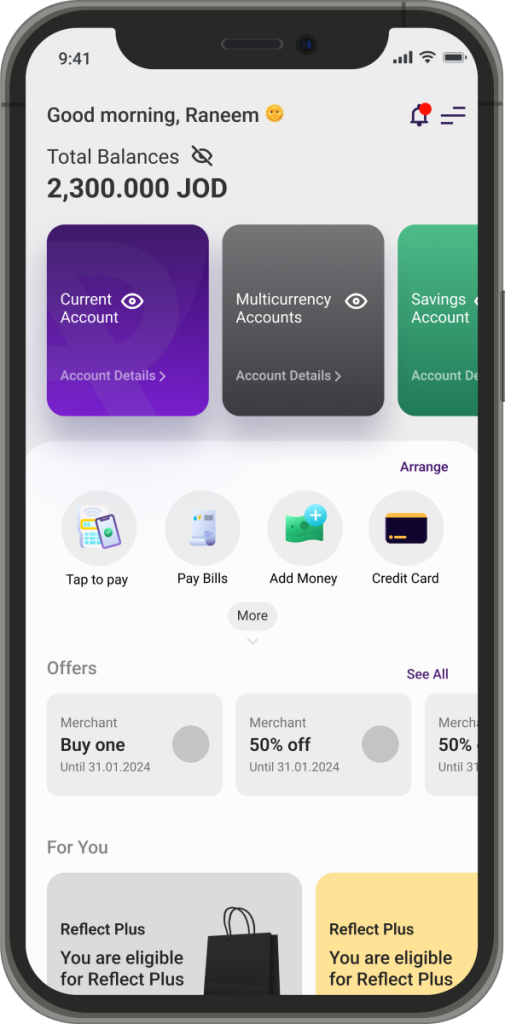
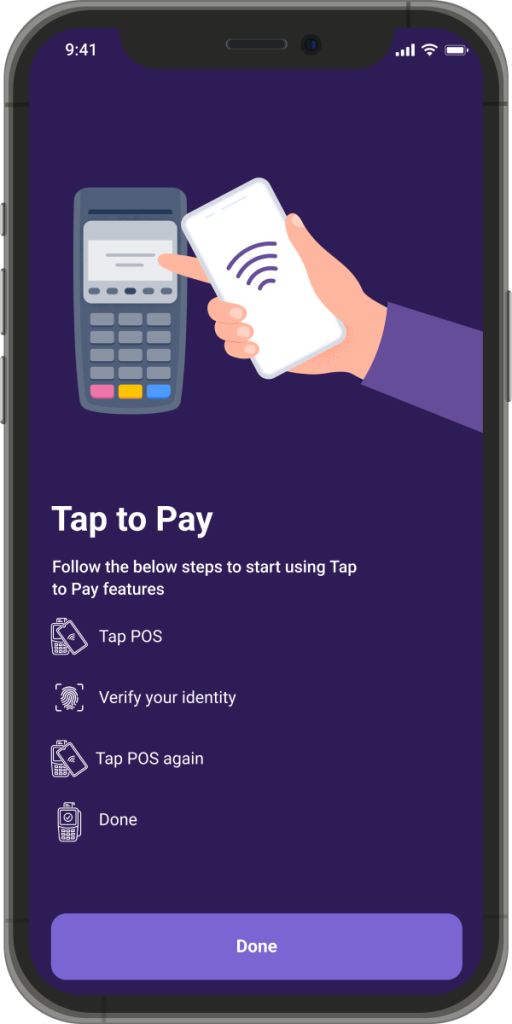
1. Choose the “Tap to Pay” icon from your dashboard.
2. Upon first-time login, tutorial screens will guide you through using the service.
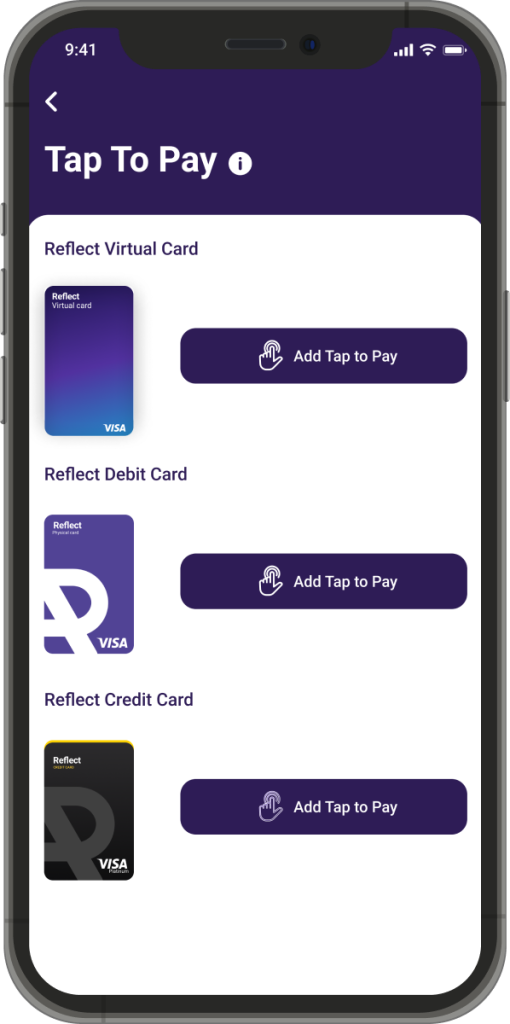
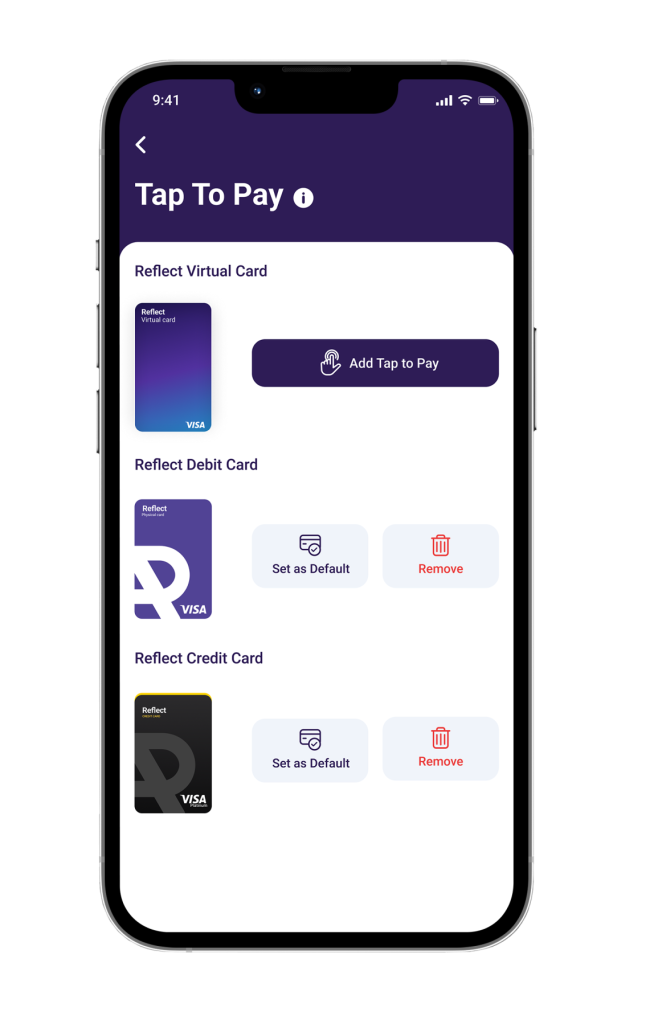
3. Tap “Done” to be directed to the “Tap to Pay” dashboard, where all your cards (debit or virtual) will appear. If you don’t own a particular card, it won’t be listed.
4. To activate “Tap to Pay” for a card, tap the “Add to Tap to Pay” button next to the desired card.
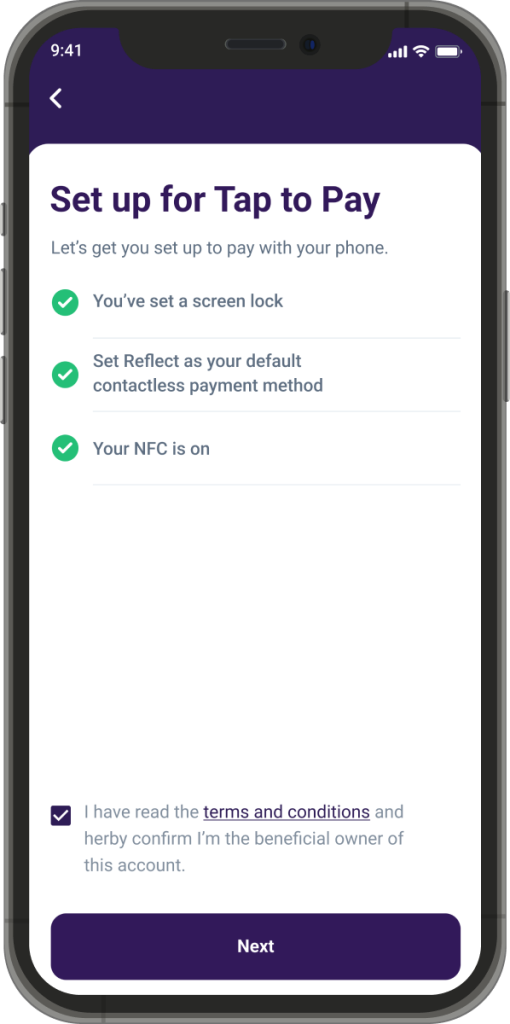
5. The system will check if your device supports NFC.
6. Enable all the required settings to complete your setup.
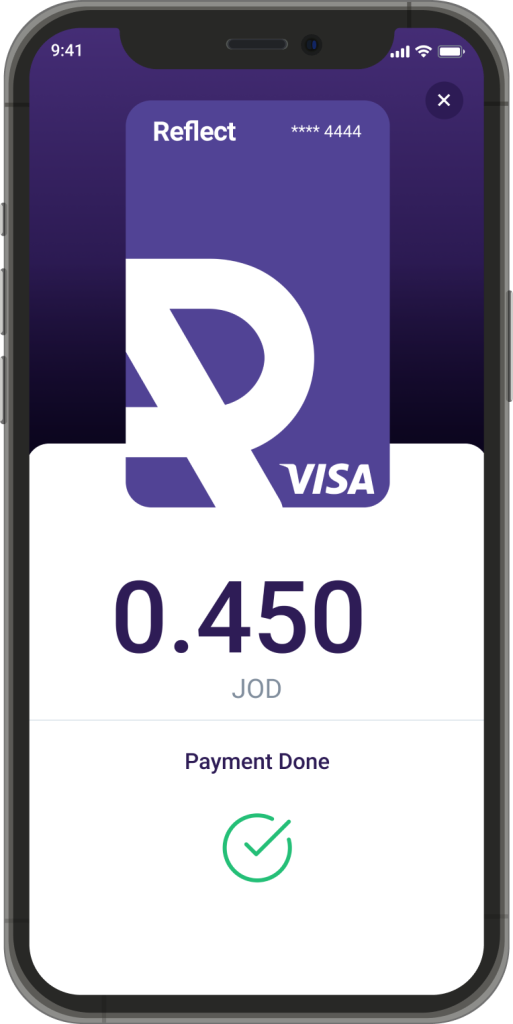
How to Use “Tap to Pay”:

1. Ensure your device is unlocked.
2. Move your device close to the POS machine within 10 seconds of unlocking.
3. If more than 10 seconds pass, you will need to authenticate your identity using your device’s biometric setup. If biometrics are off, the feature will be disabled.
4. Your transaction will be processed successfully.

Reflect
Facebook Instagram Twitter Youtube

Download Now!

Arab Bank’s headquarters are located, in Amman, Jordan, at Shmeisani, Pr. Shaker St, Building 8.
  • Links
    • Home
    • About Us
    • Fees & Commissions
  • Services
    • Debit Card
    • Credit Card
    • Instant Loan
    • Salary Transfer – Individuals
    • Current Account
    • Savings Accounts
    • Multicurrency Accounts
    • Loyalty Account
  • Others
    • Travel Insurance
    • ReVA
    • Support
    • Offers

Stay in touch!

Subscribe to Neosletter and stay up to date with all lifestyle related news and updates
© 2026 Reflect All rights reserved.
  • Whistleblowing
  • Customer Complaints
  • Cookie Policy
  • Privacy policy
  • About
  • Features
    • Accounts
      • Current Account
      • Savings Accounts
      • Loyalty Account
      • Multicurrency Accounts
      • Non-Jordanian Residents Account Opening
      • Back
    • Payments
      • Reflect QR
      • Tap to Pay
      • Apple Pay
      • Google Pay
      • Back
    • Cards
      • Virtual Card
      • Debit Card
      • Credit Card
      • Back
    • Salary Transfer
      • Salary Transfer for Individuals
      • Salary Transfer for Businesses
      • Back
    • Transfers & Funding
      • Send & Request Money
      • CliQ Transfers
      • IBAN Transfers
      • Arab Bank Transfers
      • Add Money
      • Back
    • Other Services
      • Travel Insurance
      • E-Vouchers
      • Pay Bills
      • E-Statement
      • Split the Bill
      • Marketplace
      • Back
    • Lending
      • Instant Loan
      • Back
    • Back
  • Offers
  • Campaigns
  • Support
    • ReVA
    • Support
    • Back
  • Merchants
  • Journal
    • Neosletter
    • Press Hub
    • Back