Google Pay
Enjoy a faster, safer, and more convenient way to pay straight from your Android phone with Google Pay through the Google Wallet™ app.
• Convenient: Make payments with just a tap of your phone.
• Fast: No need to search for cards or cash.
• Secure: Protected with advanced security and screen lock authentication.
• Widely Accepted: Use it anywhere that supports contactless payments.
• Convenient: Make payments with just a tap of your phone.
• Fast: No need to search for cards or cash.
• Secure: Protected with advanced security and screen lock authentication.
• Widely Accepted: Use it anywhere that supports contactless payments.
1. Look for the contactless payment symbol on the point-of-sale (POS) terminal.
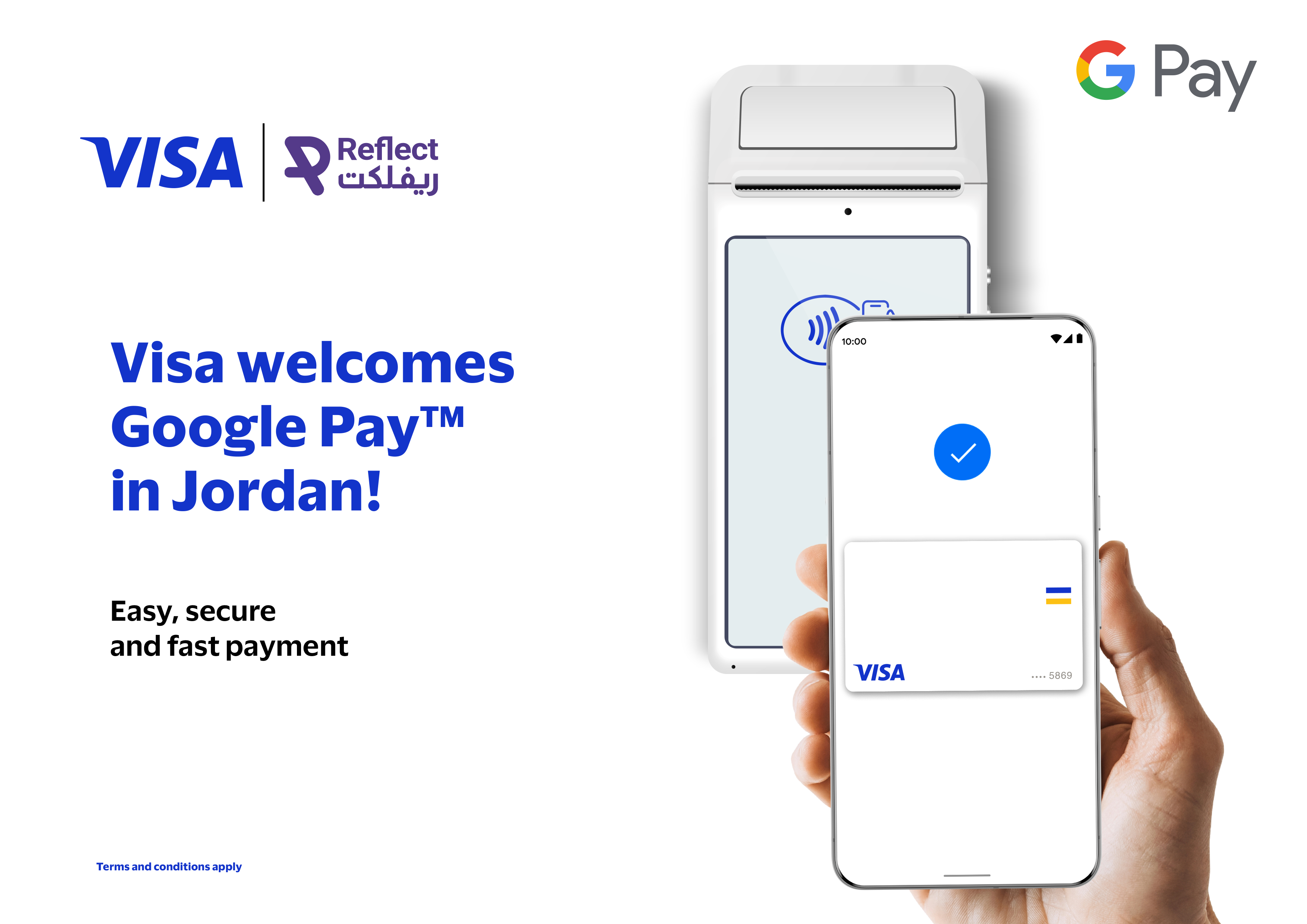
2. Unlock your phone and hold it near the terminal.
3. Wait for the beep or confirmation message.
1. Look for the contactless payment symbol on the point-of-sale (POS) terminal.
2. Unlock your phone and hold it near the terminal.
3. Wait for the beep or confirmation message.
Step 1: Set Up Google Wallet
Step 2: Add Your Reflect Card
Step 1: Set Up Google Wallet
Step 2: Add Your Reflect Card

We use cookies to improve your experience and monitor website performance. You can accept all cookies, reject optional cookies, or manage your preferences.
Choose which cookie categories you want to allow. Necessary cookies are always active because they are required for the website to work.
Necessary Cookies
Required for the website to function. These cannot be disabled.
Performance Cookies
Help monitor and improve website performance.