Made for travel, shopping, and spending beyond borders.
Multicurrency Accounts
Made for travel, shopping, and spending beyond borders.
Why open a multicurrency account on Reflect?
Open and manage foreign currency accounts with ease, designed for your travel, shopping, and international payment needs.
Why open a multicurrency account on Reflect?
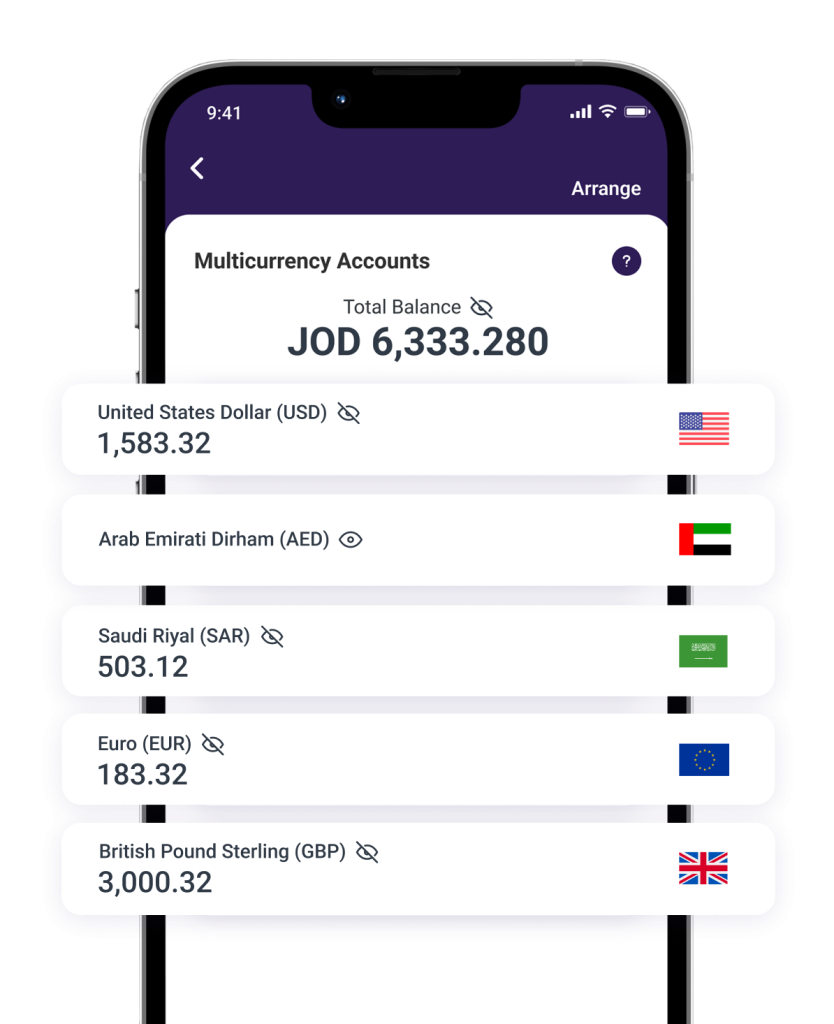
Hold and manage multiple currencies in one place, pay directly with your debit card, and enjoy smarter international spending.
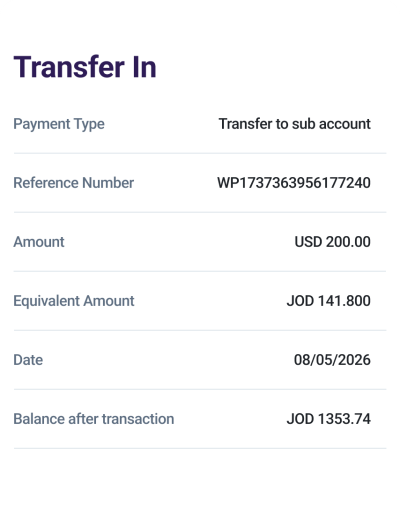
Fund your account your way
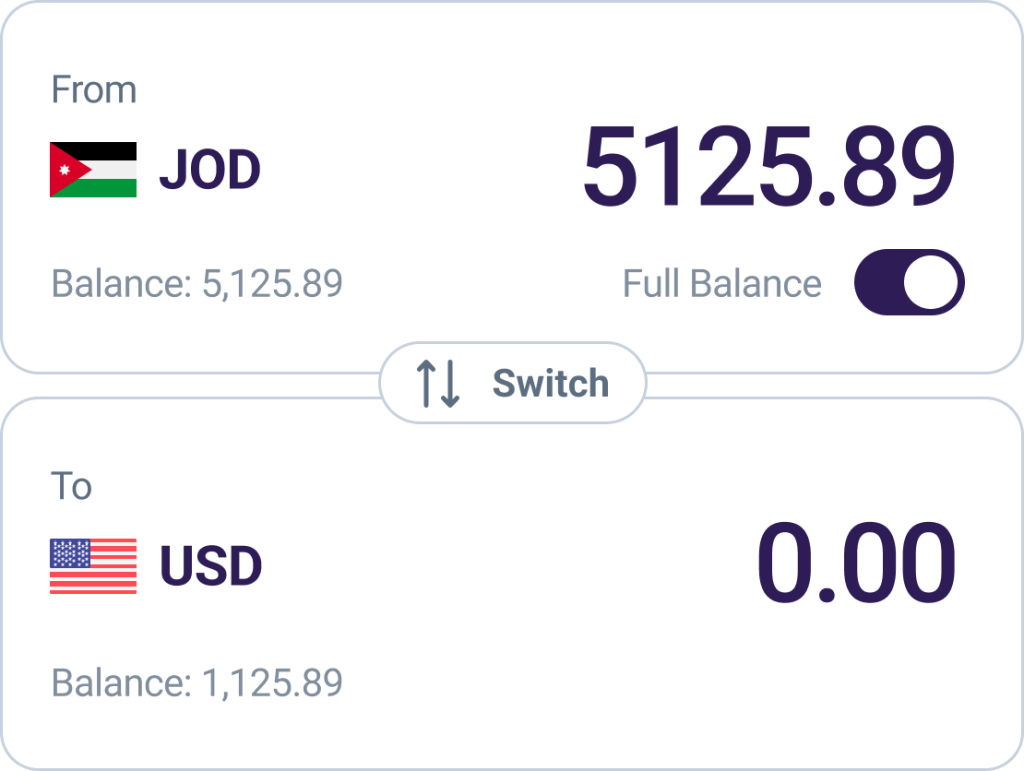
Transfer funds from your current JOD account to your selected foreign currency sub-account in just a few taps, giving you full control over your balances whenever you need.
Fund your account your way
Transfer funds from your current JOD account to your selected foreign currency sub-account in just a few taps, giving you full control over your balances whenever you need.
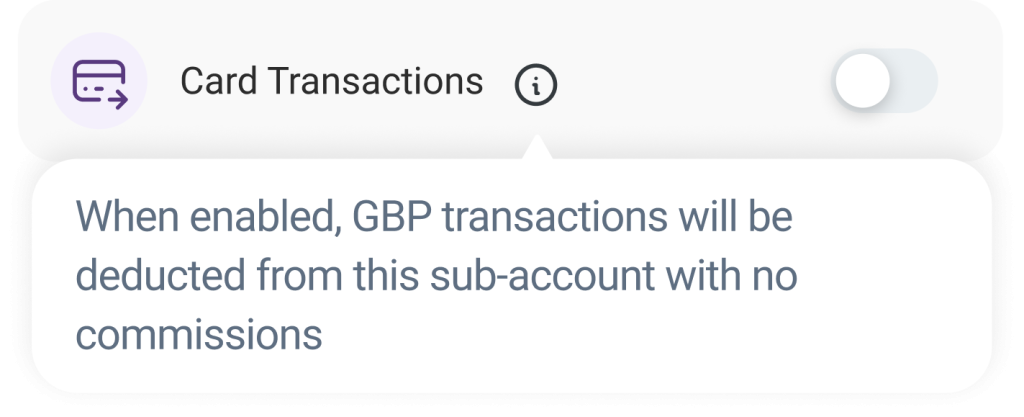
Card Transactions
Make purchases and payments directly using your debit card from your foreign currency sub-account, with 0% commission on card transactions.
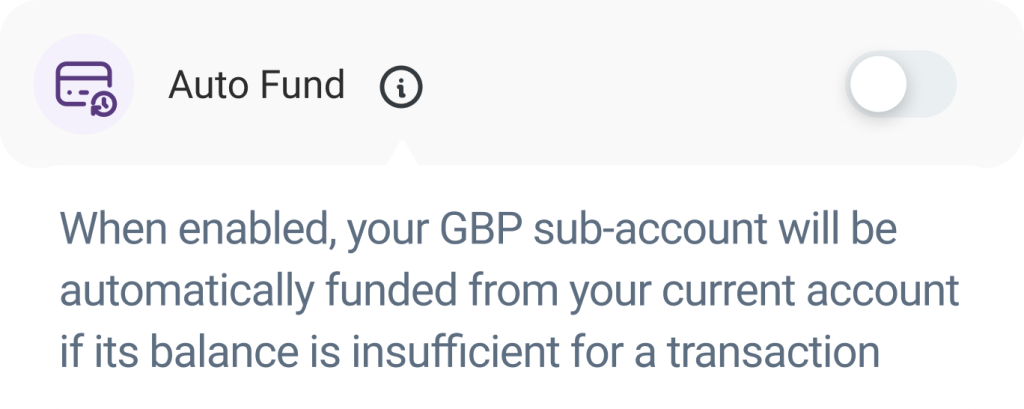
Auto Fund for seamless spending
Enable Auto Fund to automatically fund your selected foreign currency account when making card purchases, helping ensure a smoother payment experience without the need for manual transfers.
Auto Fund and Card Transactions are enabled by default to ensure a smooth and seamless payment experience when using your debit card.
A commission will be applied to card transactions in foreign currencies when no matching multicurrency account exists.
Auto Fund for seamless spending
Enable Auto Fund to automatically fund your selected foreign currency account when making card purchases, helping ensure a smoother payment experience without the need for manual transfers.
Card Transactions
Make purchases and payments directly using your debit card from your foreign currency sub-account, with 0% commission on card transactions.
Auto Fund and Card Transactions are enabled by default to ensure a smooth and seamless payment experience when using your debit card.
A commission will be applied to card transactions in foreign currencies when no matching multicurrency account exists.
Competitive exchange rates
Enjoy competitive exchange rates designed to make your international spending more cost-effective, with a simple 0.3% commission when converting funds from your JOD account.
Competitive exchange rates
Enjoy competitive exchange rates designed to make your international spending more cost-effective, with a simple 0.3% commission when converting funds from your JOD account.
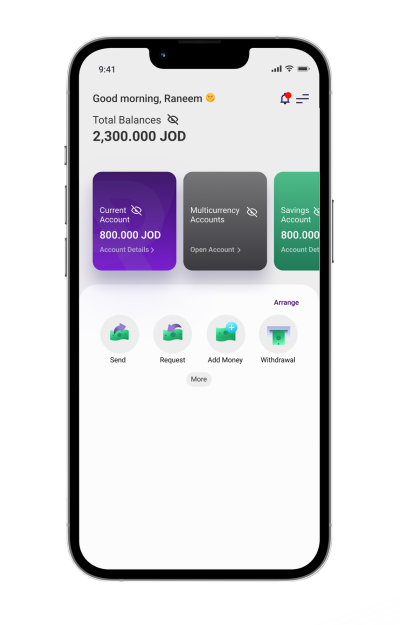
How to create a multicurrency accounts:
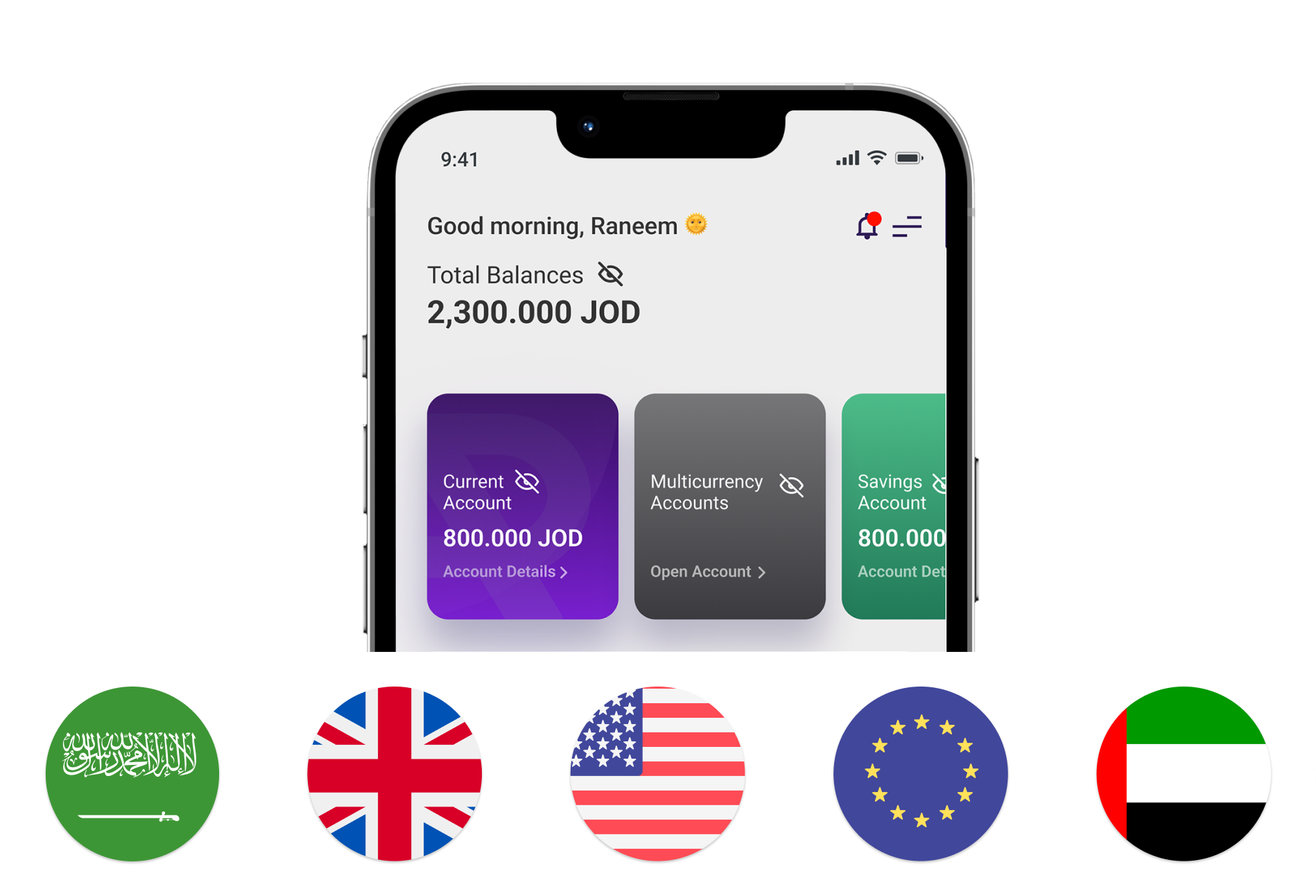
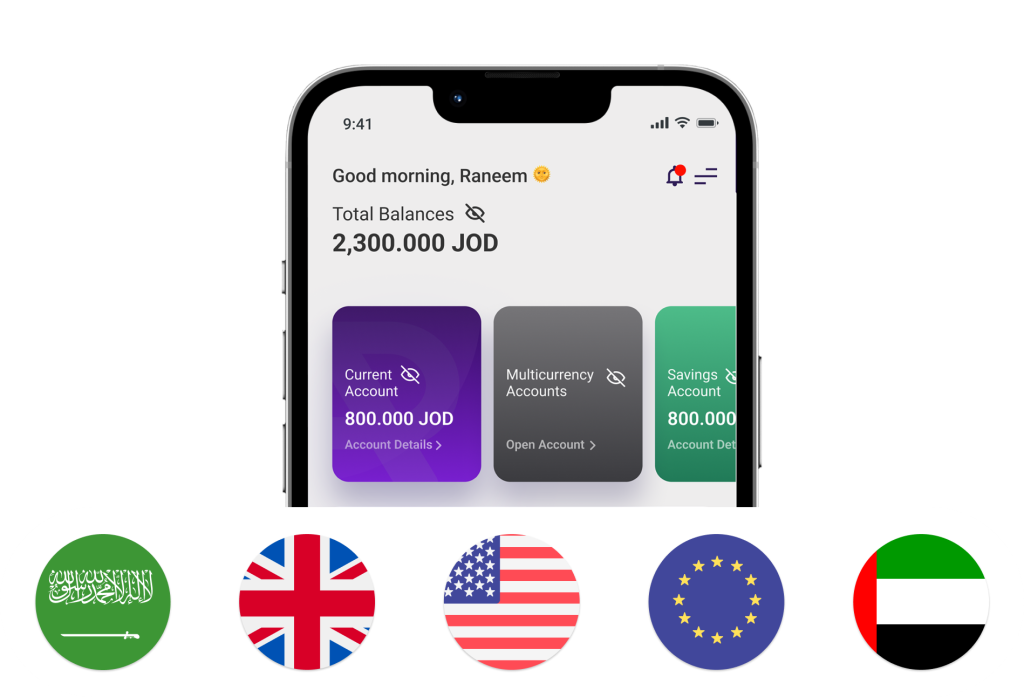
1. Tap Open Account on the Multicurrency Accounts card.
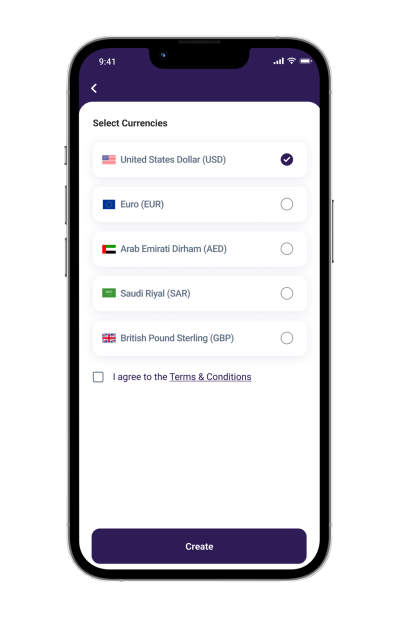
2. Select one or more currencies for your sub-accounts.
How to create a multicurrency accounts:
1. Tap Open Account on the Multicurrency Accounts card.
2. Select one or more currencies for your sub-accounts.


 JOR
JOR