



Add Money
Add money to your account now and make payments, shopping, and transactions easier than ever!
Add money using any of the below methods:
✓ IBAN Transfer
✓ Arab Bank Cards
✓ ATM Deposit
✓ Request Money
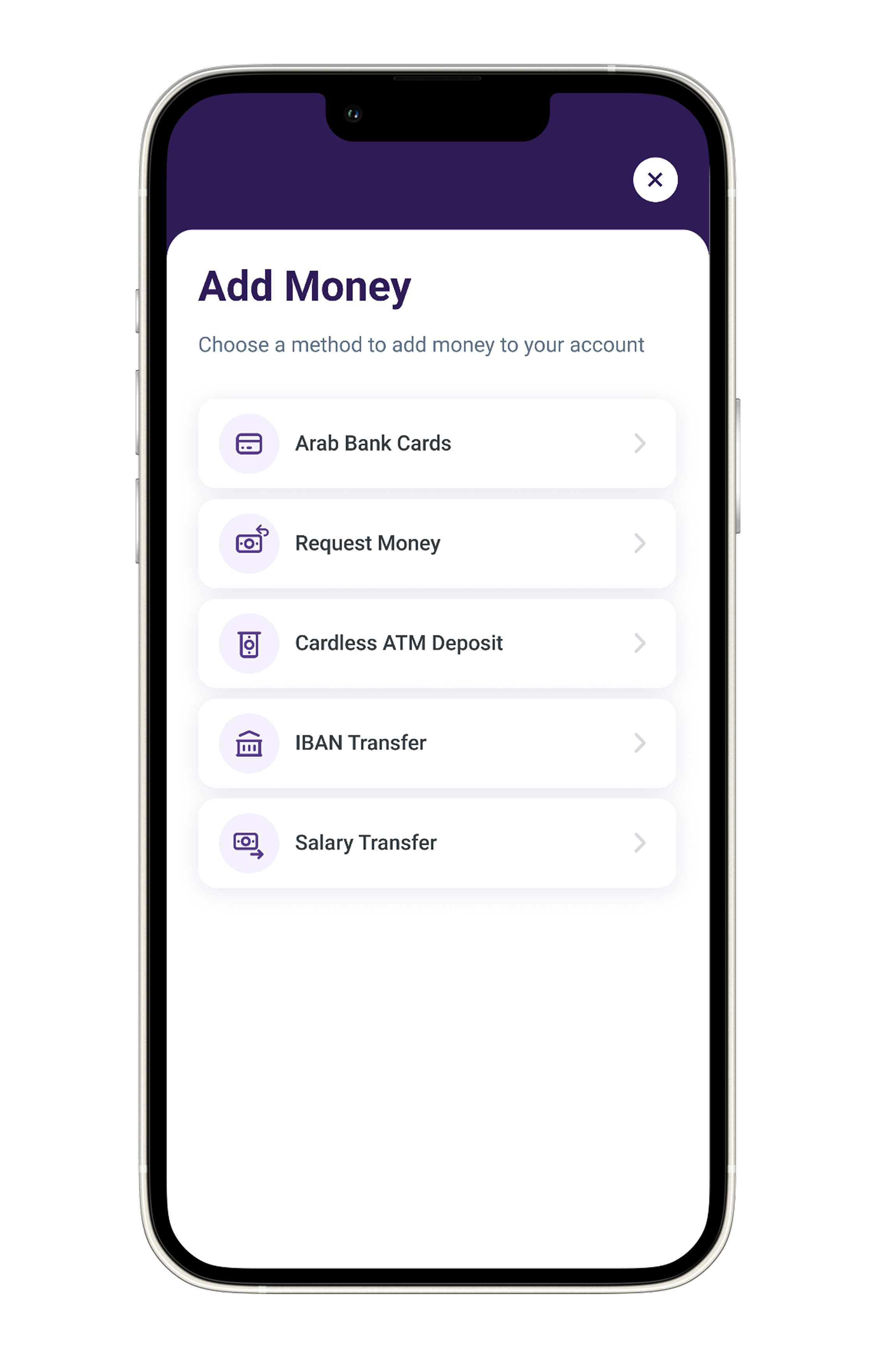
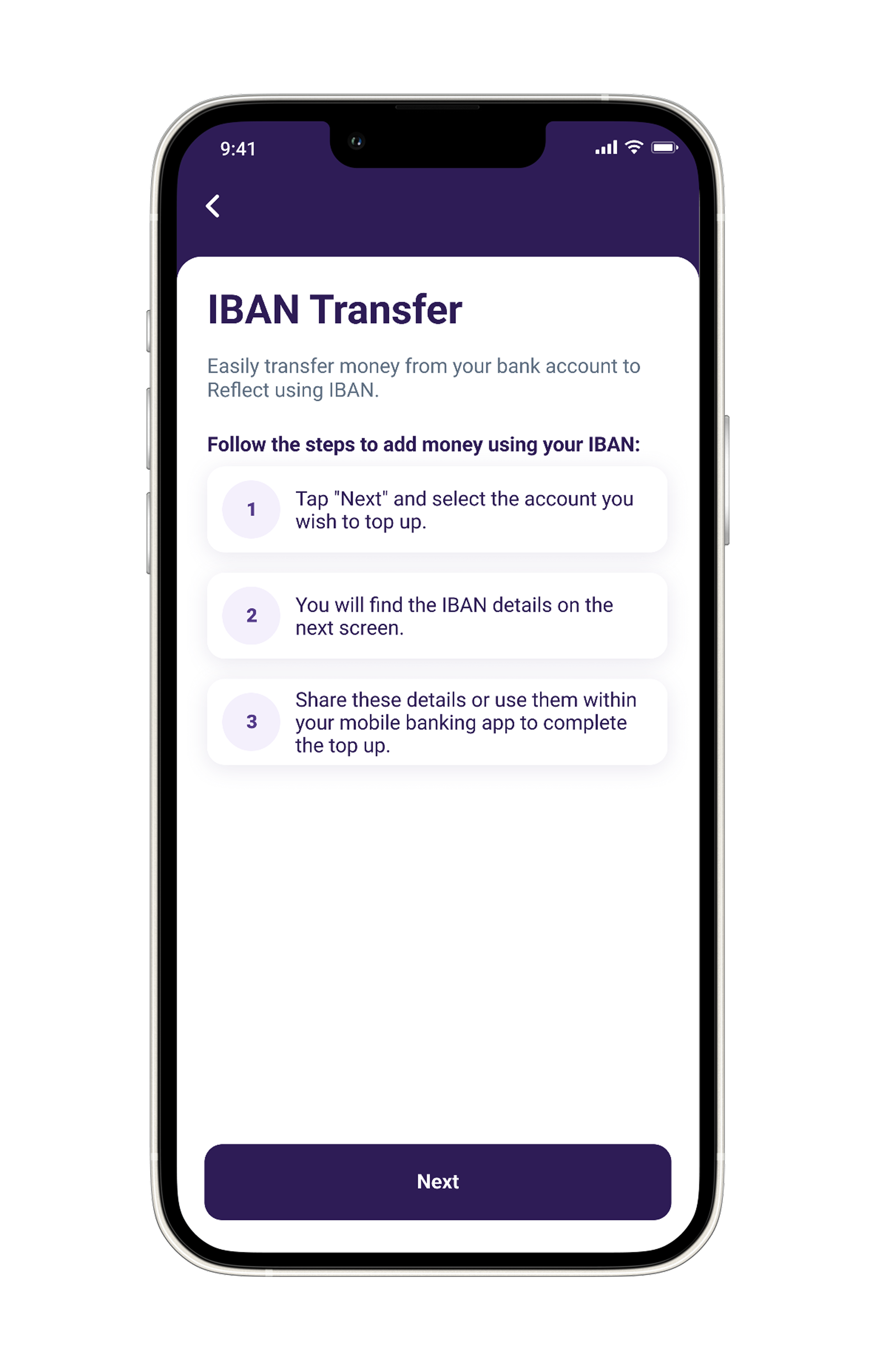
IBAN Transfer
✓ Tap on the “Add Money” icon on the homepage.
✓ Select the “IBAN Transfer” option.
✓ Select Account, then share or copy your IBAN number.
✓ Go to your mobile banking app & conduct a transfer to your IBAN.
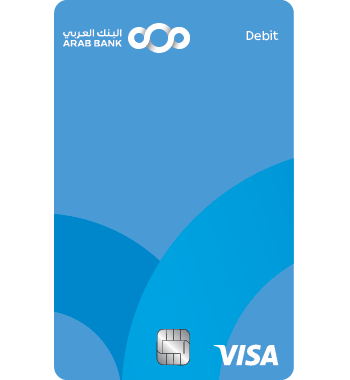
Arab Bank Cards
✓ Tap on the “Add Money” icon on the homepage.
✓ Select the “Arab Bank Cards” option.
✓ Input the desired amount.
✓ Enter your card details & verify your transaction.
Arab Bank ATM deposit
Visit the nearest Arab Bank ATM, select Reflect, and deposit cash into your account in a few easy steps.
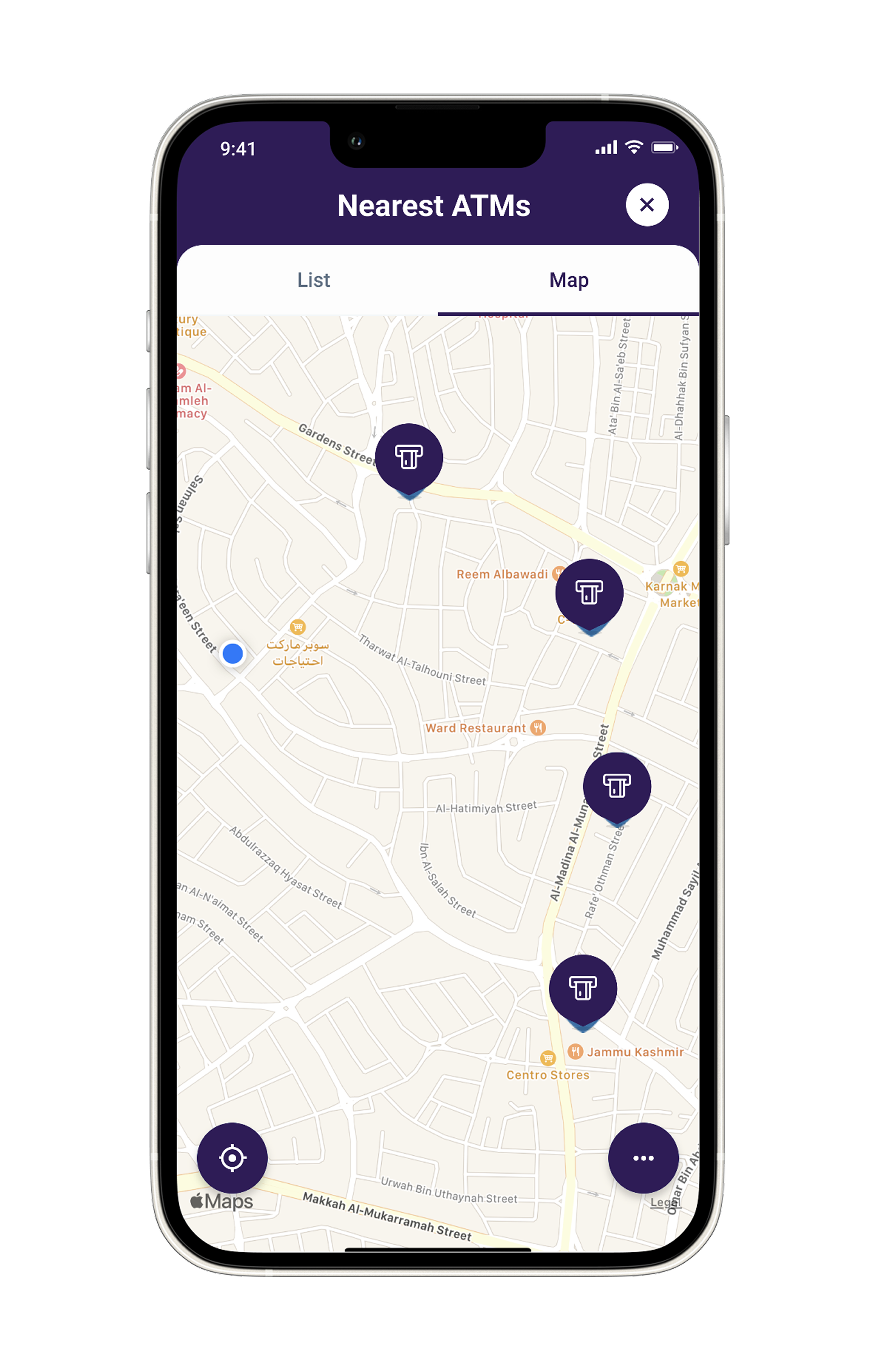
Find Nearest ATM
Locate the nearest Arab Bank ATMs easily through the “Nearest ATM” option in the side menu.
Request Money
Request money from other Reflect users or via CliQ and receive it instantly in your account!